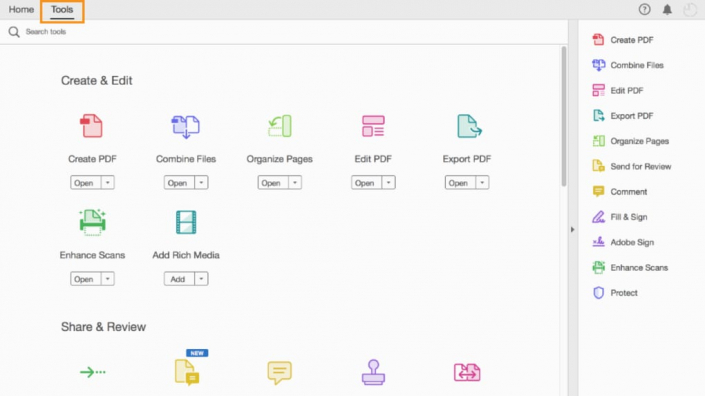

Acrobat Essentials
• About PDF
• About Adobe Acrobat
• About Acrobat Reader
• About the Acrobat DC mobile app
• Using PDF on the web
• Opening a PDF file
• Adding Acrobat Reader installers
• Working with toolbars
• Working with tools

Creating PDF Files
• About creating Adobe PDF files
• Using the Create PDF tool
• Dragging and dropping files
• Creating Adobe PDFs from Microsoft Office files (Mac OS)
• Converting different types of files
• Inserting a blank page Using PDFMaker

Working with PDF Files
• About the onscreen display
• Reading PDF documents
• Searching PDF documents
• Printing PDF documents
• Printing booklets
• Filling out PDF forms
• About flexibility, accessibility, and structure
• Working with accessible documents
• Making files flexible and accessible
(Acrobat Pro only)
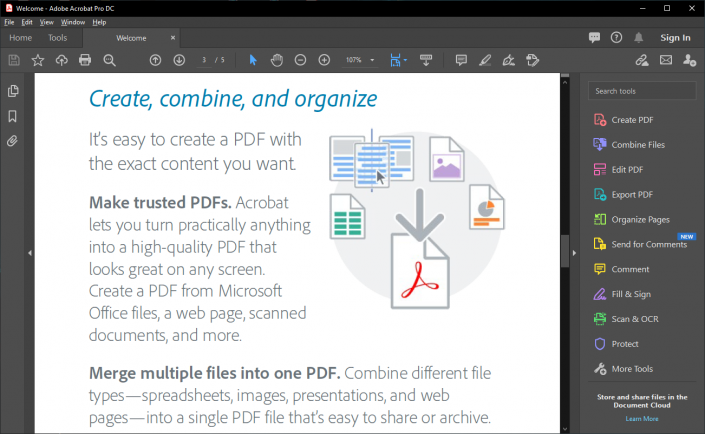

How to enhance PDF Documents
• Examining the work file
• Moving pages with page thumbnails
• Manipulating pages
• Renumbering pages
• Applying Bates numbering (Acrobat Pro only)
• Managing links
• Working with bookmarks

Editing PDF Documents
· Editing text
· Working with images in a PDF file
· Redacting text (Acrobat Pro only)
· Copying text and images from a PDF file
· Exporting PDF content to a PowerPoint presentation
· Saving PDF files as Word documents

How to use Acrobat with Windows and Office
• About Acrobat PDFMaker
• Converting Microsoft Word files to Adobe PDF
• Converting Excel documents
• Creating Adobe PDF files from Word mail-merge templates
• Converting PowerPoint presentations